Professional and Client-Ready Consultancy Invoices
Handling multiple clients and different billing schedules can slow down your business operations. Overcome complicated and unorganized invoicing workflows with the Zellio free online invoice generator tool. This all-rounder invoicing tool lets you create and send polished invoices, manage client details, track payments, and stay on top of your finances from one centralized dashboard.
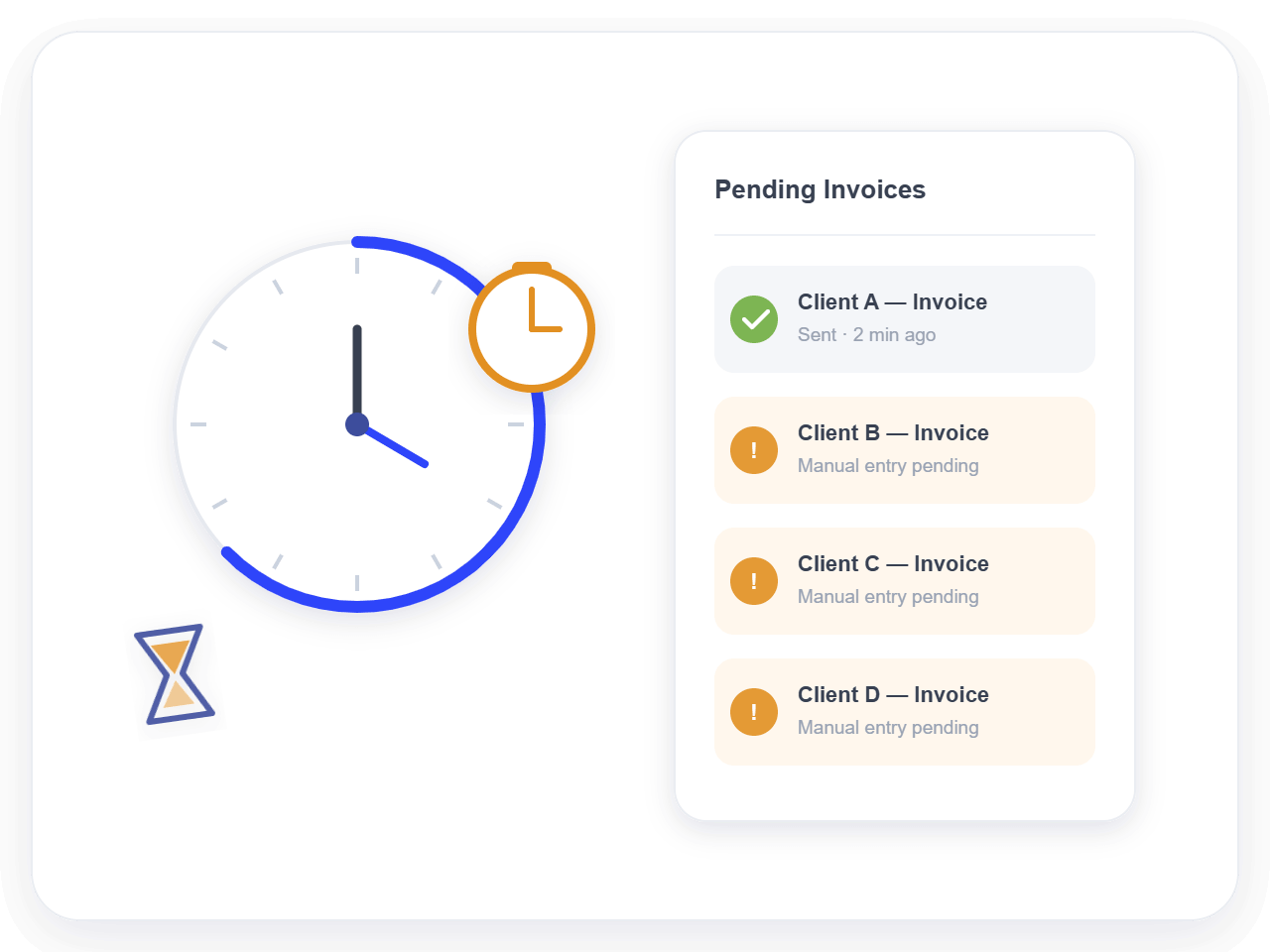
Time-consuming manual invoicing deprives your consultancy firm of valuable time that can be spent on strategic tasks
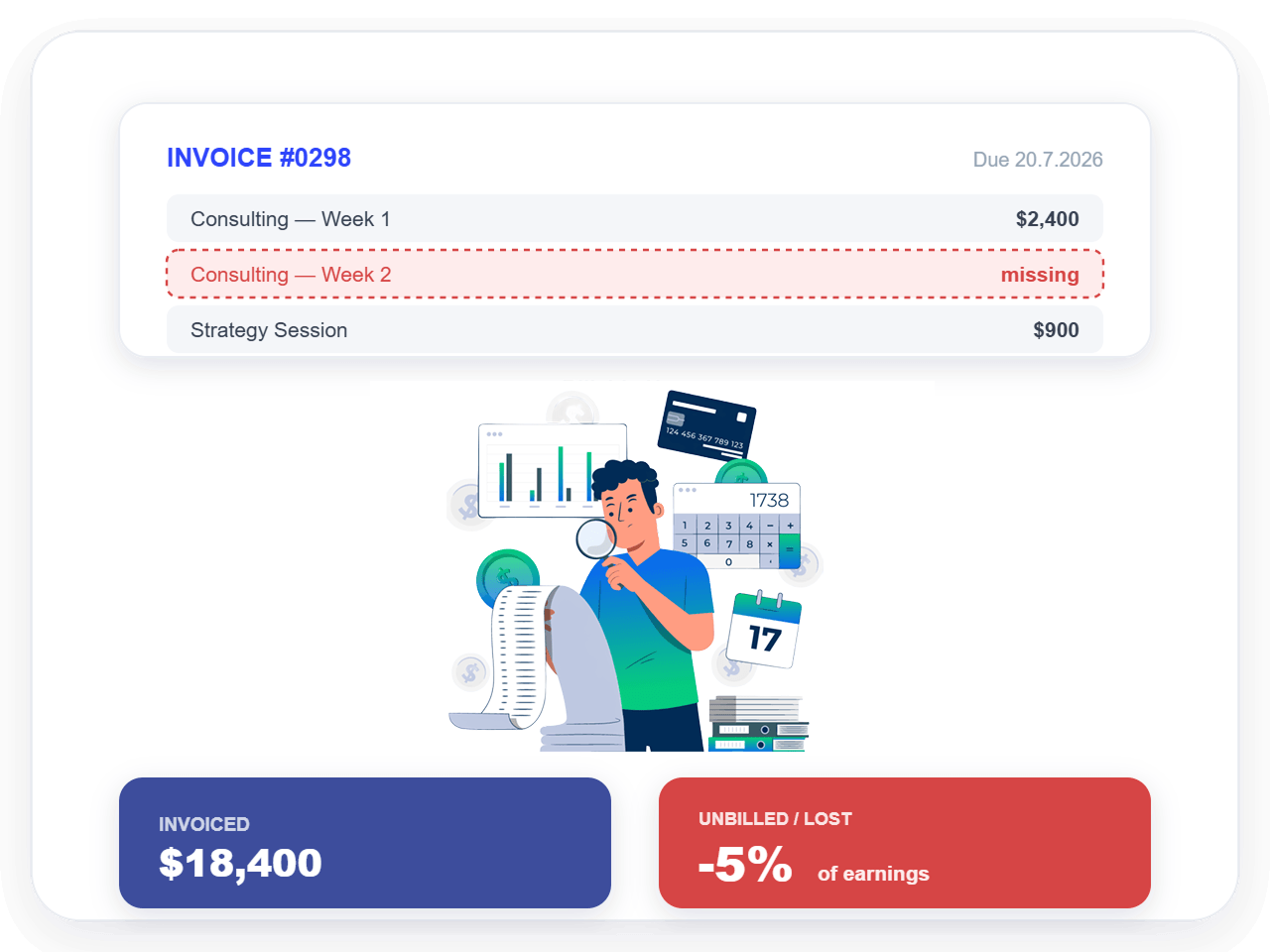
Revenue leakage causes businesses to lose up to 5% of earnings from hours and services that didn't make it to the invoice
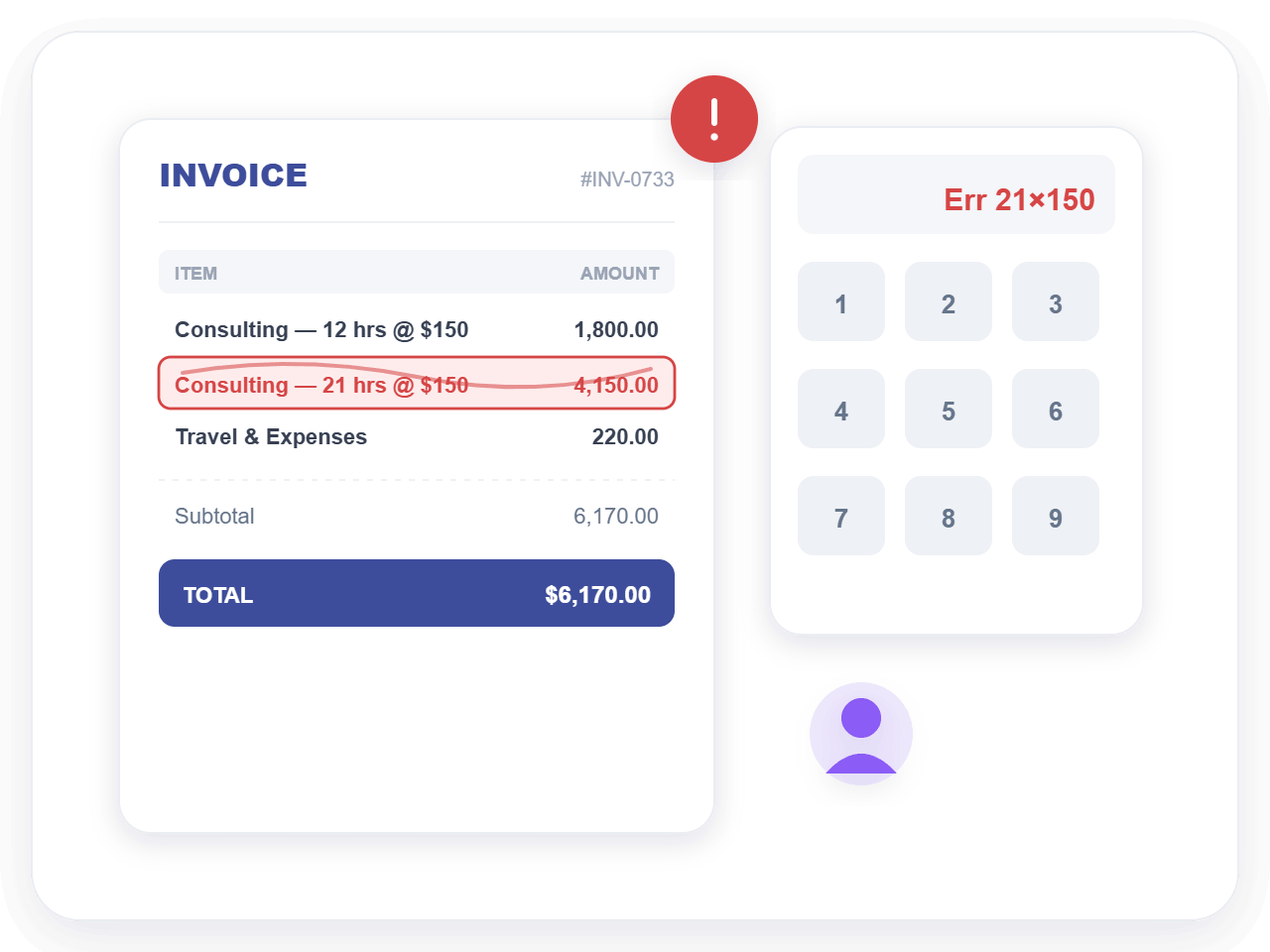
Employees entering data for invoices increase the risk of costly invoicing errors, especially in fast-paced consultancies
With Zellio, introduce a much more streamlined invoice generator into your financial operations that removes unnecessary steps and technical barriers. You can create professional invoices instantly, without any setup, coding, or accounting expertise.
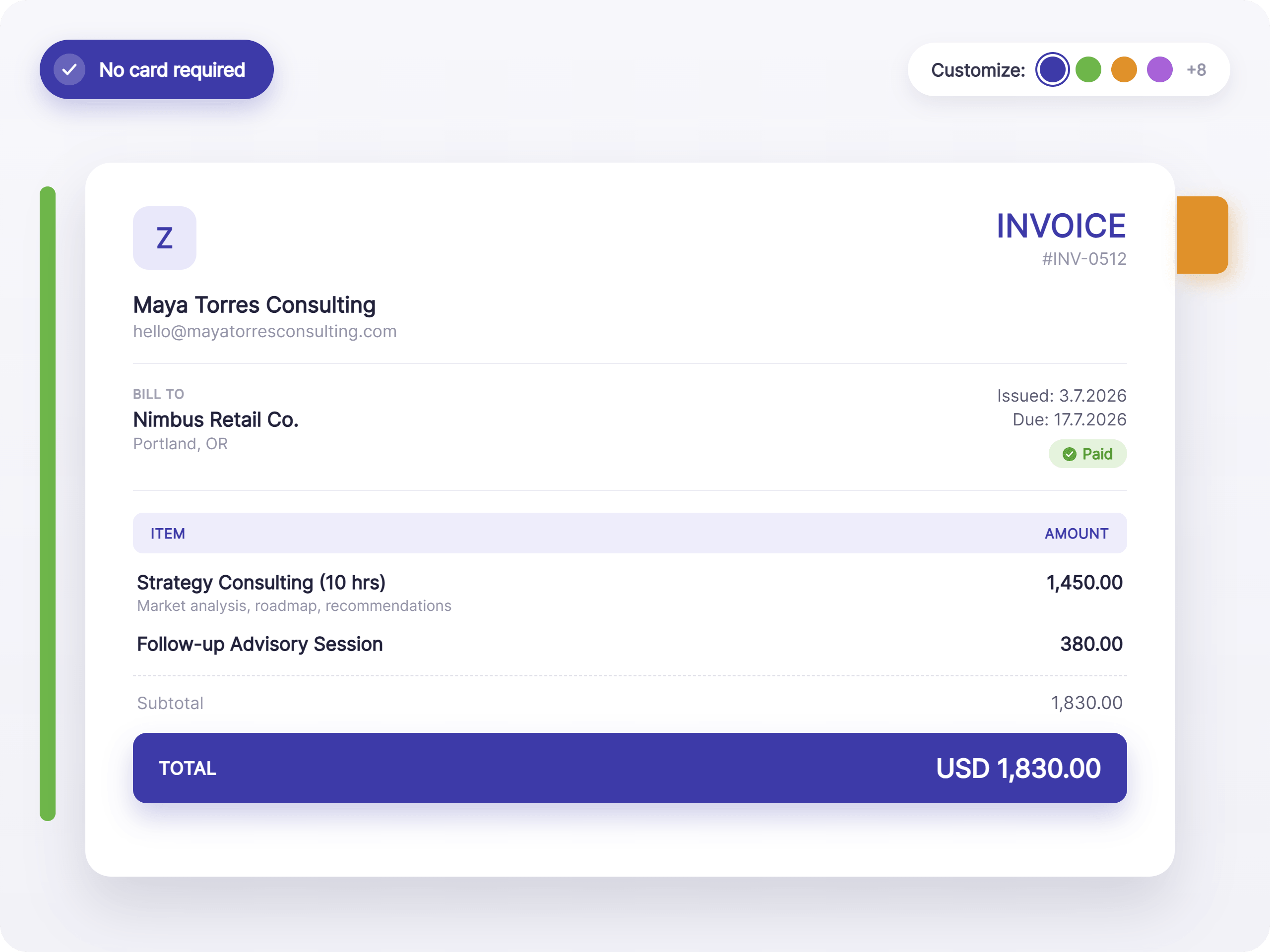
Zellio offers the two most important things that allow well-established consultancy firms or solo consultants to manage their billable hours efficiently: speed and accuracy. From quick client selection to automated totals and taxes, every feature is built to reduce effort and save time. Handle multiple client bills, recurring invoices, or one-off invoices conveniently—and get paid on time!
Ready-to-use invoice templates designed by seasoned graphic designers
Professional-looking invoices and sales receipts that build client trust
Quick and automated calculations for totals, taxes, and discounts
Easy-to-scale invoicing and billing platform for growing consultancies
Create custom and professional invoices for your consultancy company or as a solo consultant in three simple steps.
Choose an invoice template or click on the plus sign (+) to start. Input important details like your business name, email address, and customer details (name and contact).
Add your billable hours, discounts, and taxes in the provided field. Let the Zellio invoice generator calculate totals automatically and quickly — no risk of calculation errors!
Preview your invoice to make sure everything is in place. Go over the payment details, add a note, or upload any necessary files. Once previewed, send it to your client or download it as a PDF.
You don't need an accounting degree on top of your consultancy expertise to manage your finances. Say goodbye to awkward payment reminders and missed billings with Zellio — much easier than bloated and rigid accounting software. Every feature is designed to simplify billing workflows, reduce manual effort, and help consultancies invoice confidently without any hassle.
A consultancy invoice should include:
Other than these, it must also list services provided, hours worked, rates, subtotal, taxes (if applicable), and the total amount due. You can also opt for personalized details such as a brand logo, signature, and customer notes.
Yes, you can issue an invoice without a registered company name, especially if you are an independent or freelance consultant or a sole proprietor. In this case, use your full legal name instead of a business name and include your contact details. Depending on your specific tax laws and rules, you will also need to add personal tax details and identification specifications.
Yes, absolutely! The free online invoice generator offered by Zellio lets you use different currencies on your invoice. While the default currency set is USD, you can change it for all invoices, for some particular invoices, or by customer. This is especially useful for consultancies working with international clients.
Yes, adding a company logo to your consultancy invoice is highly recommended. A logo makes your invoice look more professional, reinforces your brand identity, and builds trust with clients. Branded invoices are also easier for clients to recognize, which can help speed up approvals and payments.
A consultancy invoice should clearly include payment terms such as the due date (e.g., Net 7, Net 15, or Net 30), accepted payment methods, and late payment fees. You can also mention whether partial payments or upfront deposits are accepted. By clearly mentioning payment details, terms, and other notes, you can set realistic expectations, reduce delays, and improve cash flow
More free tools for your freelance business.